
Mac Printer Installation
Download the installer for the print drivers.
After you have downloaded the file to your machine run the downloaded executable file.
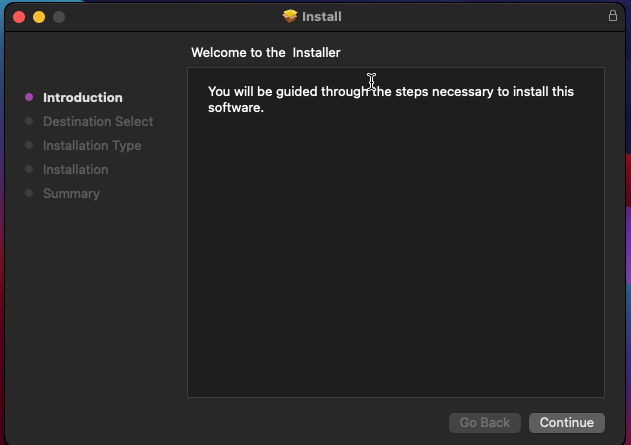
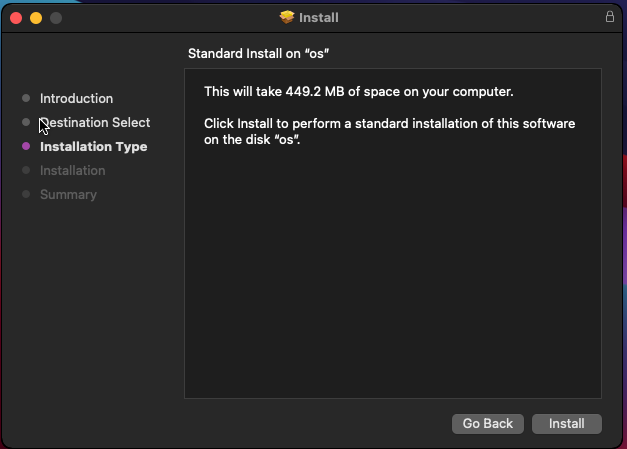
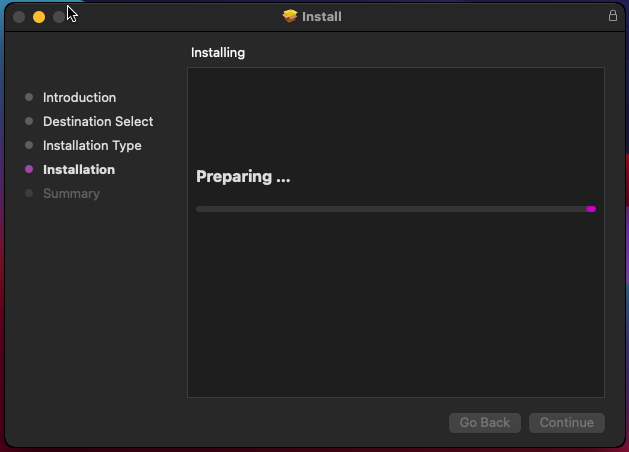
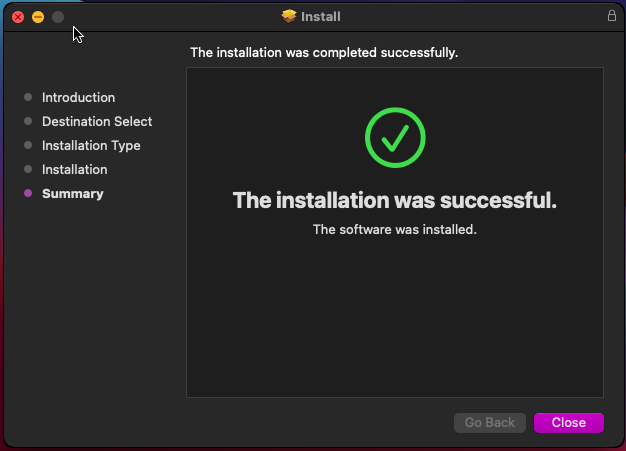
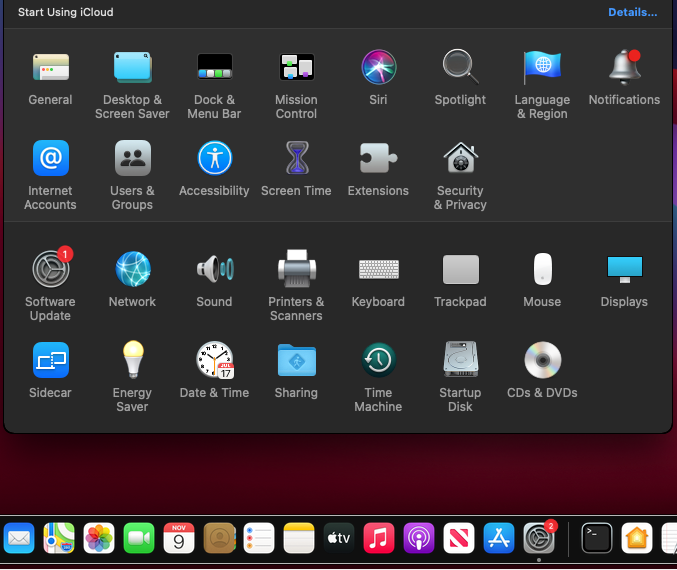
Next go to your system preferences.Then printers and scanners.
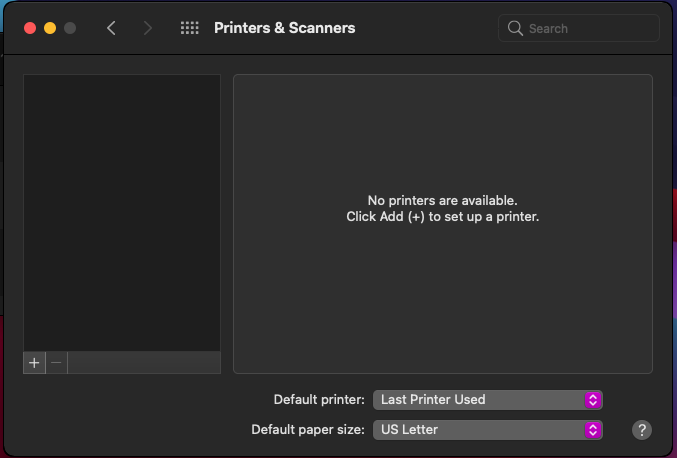
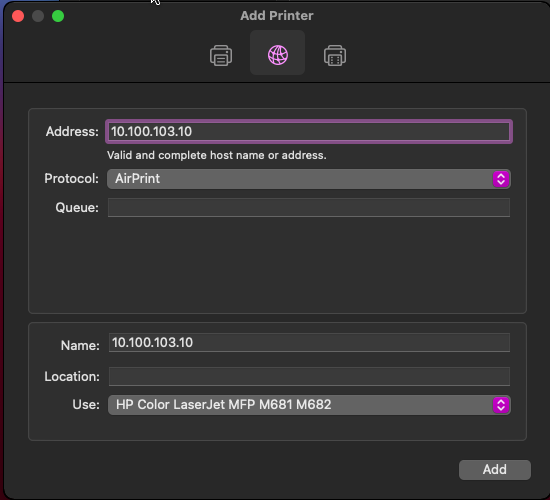
Click on the plus to add a new printer. Click on the globe icon in the middle.
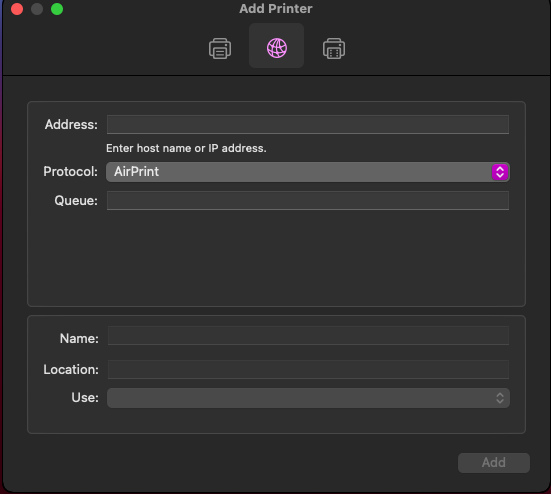
Fill in the Address, Protocol, Name, and Use sections.
Name and Address should be filled in from the table below depending on which printer you want to setup.
| Name | IP Address | Location |
|---|---|---|
| Fire_HP_M681 | 10.100.103.10 | First Floor |
| Earth_HP_M681 | 10.100.103.11 | Second Floor |
| Water_HP_M681 | 10.100.103.12 | Third Floor |
| Earth_HP_M682 | 10.100.103.13 | Second Floor |
Protocol should always be Air Print or Secure Air Print.
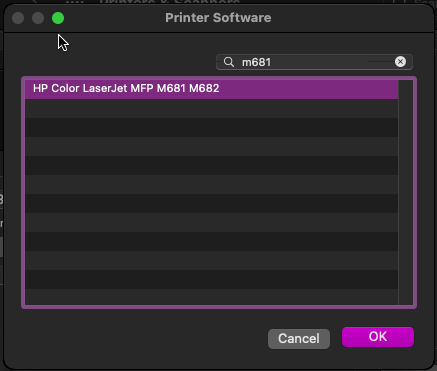
Use should be the HP Color Laserjet MFP M681 M682. To get there click on Use, select other software and search for M681.
Select HP Color Laserjet MFP M681 M682 then click ok.At the original add printer window click add.
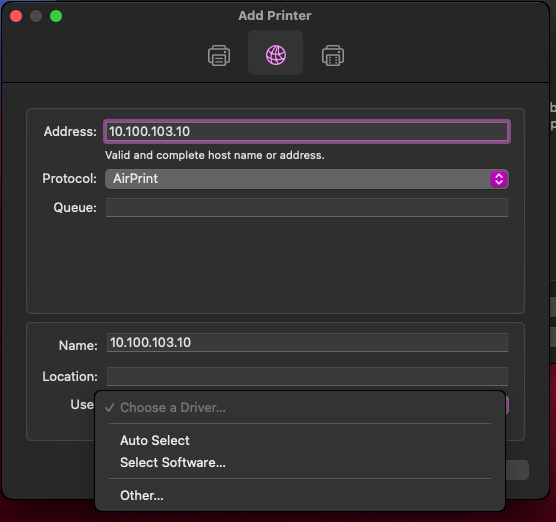
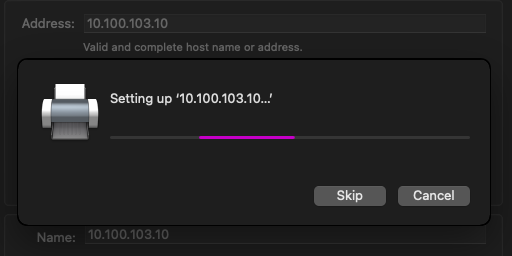
You should see the printer being setup.
Make sure to set the tray 3 as shown below and check the Require User Access Code box.
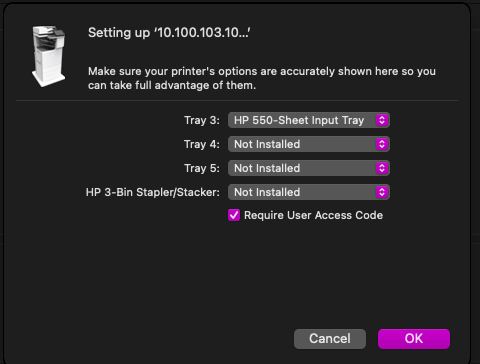
Press OK. Now your printer is configured.
All the printers use the same driver so to add another printer start from the add new printer section of this guide.